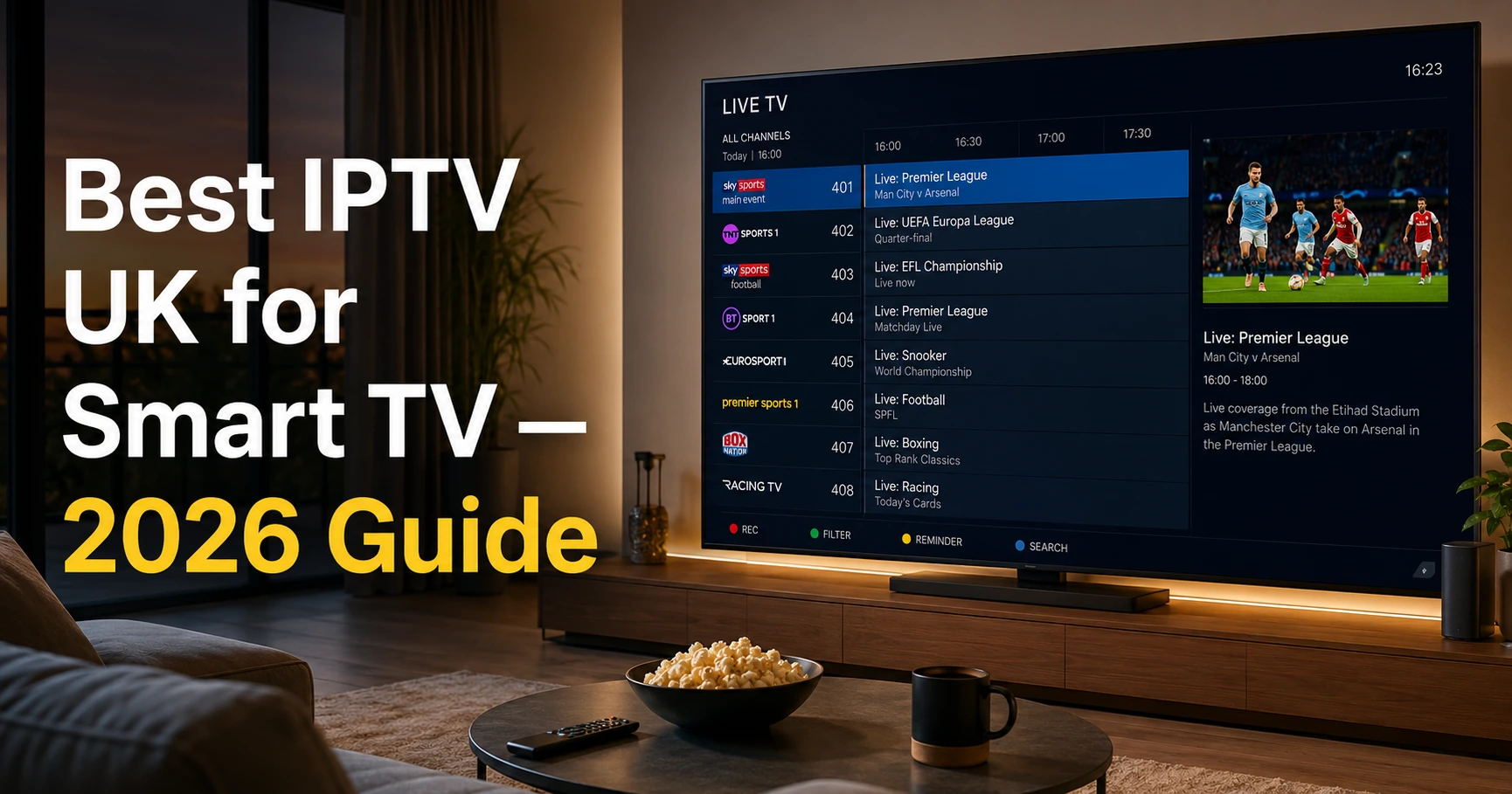
If you’re searching for the best UK IPTV service for Smart TV, you’ve probably already hit a wall.
Maybe you tried one service and it buffered through half the film. Maybe you signed up for something that looked great on paper — and then it died during the match. Or maybe you’re just starting out and you don’t want to waste £50 on something that doesn’t work on your telly.
I get it.
This guide is the one I wish I’d had before I started testing services myself.
No rankings paid for by providers. No “top 10” lists padded out with services I’ve never touched.
Just honest, plain talk about what works on a Smart TV in the UK — and how to set it up properly.
Why Smart TVs Are a Different Beast to Firestick
Here’s something most IPTV guides don’t mention.
A Smart TV and a Firestick are two completely different environments.
What works on a Firestick doesn’t always work on a Samsung or LG Smart TV. And the setup process is different too.
The key difference:
- Firestick runs on Android. You can sideload almost any app you want.
- Smart TVs run on their own closed operating systems. Samsung runs Tizen. LG runs webOS. Sony and Philips run Android TV (or Google TV on newer models).
This matters because the IPTV apps available to you depend entirely on which TV brand you’ve got.
Quick breakdown:
| TV Brand | Operating System | Best IPTV App Options |
|---|---|---|
| Samsung | Tizen | Smart IPTV, SS IPTV |
| LG | webOS | Smart IPTV, SS IPTV |
| Sony / Philips | Android TV / Google TV | IPTV Smarters, TiviMate, GSE Smart IPTV |
| Hisense | VIDAA / Android TV | Depends on model — check before buying |
If you’ve got a Sony or a Philips running Android TV, you’re in luck. You’ve got the most flexibility.
If you’ve got a Samsung or LG — you’ll need to use Smart IPTV or SS IPTV, both of which work well but require a slightly different setup.
What Makes the Best IPTV UK Service for Smart TV
Let me be direct.
There are four things that determine whether an IPTV service is worth your money on a Smart TV.
1. Compatibility With Your TV’s App
I just covered why this matters.
But here’s the thing most people miss — even if an IPTV service technically works on your TV, the experience can vary massively depending on which app you use.
Before you sign up for anything:
- Ask the provider which apps they support
- Ask if they have a Smart TV setup guide (not just a generic M3U link)
- Check if they support the specific app for your TV brand
A good provider won’t just hand you login details and wish you luck. They’ll walk you through it.
2. UK Channel Priority
This one is non-negotiable.
I’ve tested services that list 50,000 channels. Impressive on paper. Useless if BBC One loads in 240p and Sky Sports freezes every 90 seconds.
The channels that matter most for UK viewers:
- BBC One, BBC Two, BBC Three
- ITV, ITV2, ITVX
- Channel 4, Channel 4+1, E4
- Channel 5
- Sky Sports 1, 2, Main Event, Arena
- TNT Sports 1, 2, 3, 4
- Sky Cinema and Sky Atlantic (if you’re a film person)
- BT Sport channels (some providers still list these)
Run every single one of these during your free trial. Do it on a weekday evening — that’s when server load is higher and you’ll see the real picture.
3. Stream Quality That Matches Your TV
Here’s the thing about Smart TVs that people forget.
You’ve probably got a 4K telly sitting in your living room. Maybe a 55-inch or bigger. That screen is going to make buffering and poor picture quality look absolutely awful.
A decent IPTV providers in the UK in 2026 should be offering:
- Full HD (1080p) as standard on all major UK channels
- 4K streams for at least the main sports and cinema channels
- Anti-buffering technology (load-balanced servers, CDN delivery)
If a provider can’t confirm whether their streams are HD or 4K — that’s your answer.
4. EPG That Works Properly on a Smart TV
The Electronic Programme Guide is the TV guide inside your IPTV app.
On a Smart TV especially, this matters. You’re using a remote control, not a phone. Scrolling through 5,000 unlabelled channels with a remote is a nightmare.
A proper EPG shows you:
- What’s on now
- What’s coming up next
- Show names, times, and descriptions
It should update automatically and be accurate to UK broadcast times.
If an EPG isn’t included as standard — that’s a problem. It’s like buying a car and being told the dashboard is an optional extra.
How to Get IPTV on a Samsung or LG Smart TV
I’ll keep this straightforward.
Samsung and LG don’t let you install unofficial apps the same way Android does. But there are two apps that work natively on both — and they’re both solid.
Option 1: Smart IPTV
This is the most popular option for Samsung and LG.
- Download it from the Samsung App Store or LG Content Store
- It costs a one-time fee of around £5 (worth it)
- Enter your M3U link from your IPTV provider
- Your channels load up with a full EPG
It’s clean, simple, and works well with a remote.
Option 2: SS IPTV
Free alternative to Smart IPTV.
- Also available on Samsung and LG stores
- Slightly clunkier interface but does the job
- Supports M3U playlists and EPG
If you want to test things out before paying — start with SS IPTV.
How to Get IPTV on a Sony or Android TV
If you’ve got a Sony, Philips, or any TV running Android TV or Google TV — you’ve got more options.
These TVs run on the same system as Android phones, which means you can install apps directly from the Google Play Store.
Best apps for Android TV:
- IPTV Smarters Pro — clean layout, easy to set up, great EPG support
- TiviMate — the gold standard if you want the best experience (small subscription fee)
- GSE Smart IPTV — good free option, solid performance
Setup is the same as Firestick:
- Download your app from the Play Store
- Enter your M3U link or your Xtream Codes login (username, password, server URL)
- Add your EPG URL
- Done
Takes about 10 minutes.
How Much Does a Good IPTV UK Subscription Cost in 2026?
Let’s talk money properly.
Here’s what you’re looking at with a reliable service:
| Subscription Length | Typical Price (UK) | Best For |
|---|---|---|
| 1 Month | £8–£15 | Testing a new service |
| 3 Months | £20–£35 | Short-term commitment |
| 6 Months | £30–£50 | Regular viewer, flexible |
| 12 Months | £45–£75 | Best value long-term |
Now compare that to traditional TV packages.
A full Sky TV subscription with Sky Sports and entertainment will run you £80–£100+ a month. That’s up to £1,200 a year before you add Netflix, Disney+, and your TV licence.
A quality IPTV UK subscription for your Smart TV costs a fraction of that.
What price tells you about quality:
I’ve found that services under £5 a month almost always disappoint. Not because cheap = bad automatically. But because running quality servers costs real money. If they’re charging £3/month for “unlimited premium channels” — someone’s cutting corners somewhere.
The sweet spot is £8–£12/month or £50–£70/year for a quality service.
5 Things to Test During Your Free Trial
Every reputable IPTV UK provider offers a free trial. If they don’t — don’t use them.
Here’s what to test during that trial period:
Test 1: Peak Hour Streaming Stream on a Saturday afternoon (3pm) or a weekday evening (8–9pm). These are the busiest windows. If it holds up then — it’ll hold up most of the time.
Test 2: UK Channel Load Speed Click BBC One. How fast does it load? Under 3 seconds is good. Over 10 seconds is a problem.
Test 3: EPG Accuracy Check if your EPG shows correct UK programme times. A guide that’s an hour out — or just shows “No Information” everywhere — will drive you mad long-term.
Test 4: 4K and HD Quality If your Smart TV supports 4K, find a 4K stream and check it. No pixelation. No stuttering. Clean picture.
Test 5: Catch-Up / VOD Library Does the service include a VOD (Video on Demand) library? Can you catch up on shows you missed? A good service should have at least 7-day catch-up on the main UK channels.
The Red Flags That Tell You to Walk Away
I’ve signed up for services I regret. These warning signs I now spot immediately.
🚩 No free trial offered A confident provider lets you test. No trial = no confidence in their own product.
🚩 “100,000 channels!” claims Volume is a distraction. Ask specifically: do all UK channels work in HD?
🚩 Support only through a bot or a generic email You need responsive support. WhatsApp is fine. A Telegram bot that replies with the same three answers — not fine.
🚩 No mention of server locations or uptime guarantee Good providers talk about their infrastructure. They’ll mention uptime percentages, server redundancy, CDN delivery. If a site has none of this — they probably have nothing to back it up.
🚩 Asking you to pay for a full year before trialling Never commit to an annual plan without testing first. Full stop.
Do You Need a VPN to Use IPTV on Your Smart TV?
Honestly — it depends.
If you’re on a fully licensed IPTV service, technically no.
But there are two practical reasons to use one:
1. ISP Throttling Some UK broadband providers throttle streaming traffic, especially during peak hours. A VPN routes your traffic differently and can bypass that throttling. This can make a noticeable difference to buffering.
2. Privacy Your ISP can see everything you stream. A VPN keeps that between you and your service.
On Smart TVs specifically: Installing a VPN on a Samsung or LG is trickier than on Android TV. The easiest solution is to install a VPN on your router — then every device in the house is protected automatically, including your Smart TV.
Is IPTV Legal in the UK? (The Honest Answer)
Here’s the straight answer — because most sites dodge this.
Legal IPTV is just internet-delivered TV. BBC iPlayer, ITVX, Channel 4 streaming, Disney+, Netflix — all of these are technically IPTV. Completely legal. Completely fine.
Unlicensed IPTV is where it gets murky. This means accessing Sky Sports, TNT Sports, Premier League content, and premium films through a third-party service that hasn’t paid for the broadcasting rights.
In the UK, FACT (Federation Against Copyright Theft) and police-run operations have led to prosecutions — primarily targeting distributors and resellers, not individual viewers.
But the legal landscape is tightening. In 2025, UK courts saw convictions tied to unlicensed redistribution of Premier League and Sky content.
What to look for in a legit provider:
- Transparent about what they offer
- Don’t promise “full Sky for £3/month”
- Have a real website with real contact details
- Operate within Ofcom’s framework where possible
If it feels shady — it probably is.
FAQs — Best IPTV UK for Smart TV
Q: What is the best IPTV app for Samsung Smart TV in the UK?
Smart IPTV is the most popular and most reliable option for Samsung TVs. It’s available in the Samsung App Store, costs a small one-time fee, and supports full EPG. SS IPTV is a free alternative if you want to test first.
Q: Can I get IPTV on my LG Smart TV?
Yes. LG runs webOS, and both Smart IPTV and SS IPTV are available in the LG Content Store. The setup process is the same as Samsung — enter your M3U link and EPG URL.
Q: What internet speed do I need for IPTV on a Smart TV?
For HD (1080p): minimum 10 Mbps. For 4K: minimum 25 Mbps. For a household streaming on multiple devices: 50 Mbps+ is ideal. Most standard UK broadband handles this without any issues.
Q: Can I watch live Premier League on IPTV in the UK?
Most IPTV UK services include Sky Sports and TNT Sports, which carry Premier League matches. Whether the service holds up during high-demand fixtures depends entirely on the provider’s server quality. Always test during a live match in your trial period.
Q: Can I use IPTV on multiple Smart TVs in my house?
Most subscriptions come with 1 or 2 connections. If you want 3 or more devices streaming simultaneously, look for a multi-connection plan. Check before signing up — it varies by provider.
Q: Do Smart TV IPTV apps work without a subscription?
The apps themselves (Smart IPTV, SS IPTV) are free or low-cost one-time purchases. But you need an active IPTV subscription to supply the channels. The app is just the player — the subscription is the content.
Q: What’s better — IPTV on Smart TV or IPTV on Firestick?
Both work well. Firestick gives you more flexibility and app options (especially TiviMate). Smart TV is more convenient — one less device plugged in. If your Smart TV runs Android TV (Sony, Philips), the experience is almost identical to Firestick.
Final Word
The best IPTV UK for Smart TV is the one that works reliably on your specific TV, streams UK channels cleanly in HD, has a proper EPG, and doesn’t leave you staring at a buffer wheel when it matters most.
Know your TV’s operating system before you sign up for anything. Take the free trial seriously — test peak hours, test UK channels, test the EPG. Don’t be swayed by massive channel counts or prices that seem too good to be true.
Get the setup right once — and you’ll wonder why you were paying £100 a month for Sky.
That’s the honest answer on the best IPTV UK for Smart TV.
Leave a Reply